Talweg
· Talweg Team · Product Update · 4 min read
Bringing Apache Flink ML to YAML: Zero-Boilerplate Streaming Machine Learning
Introducing native Apache Flink ML support in Flinkflow. Embed Estimators and Transformers directly in your YAML pipelines using dynamic reflection and StreamTableEnvironment.
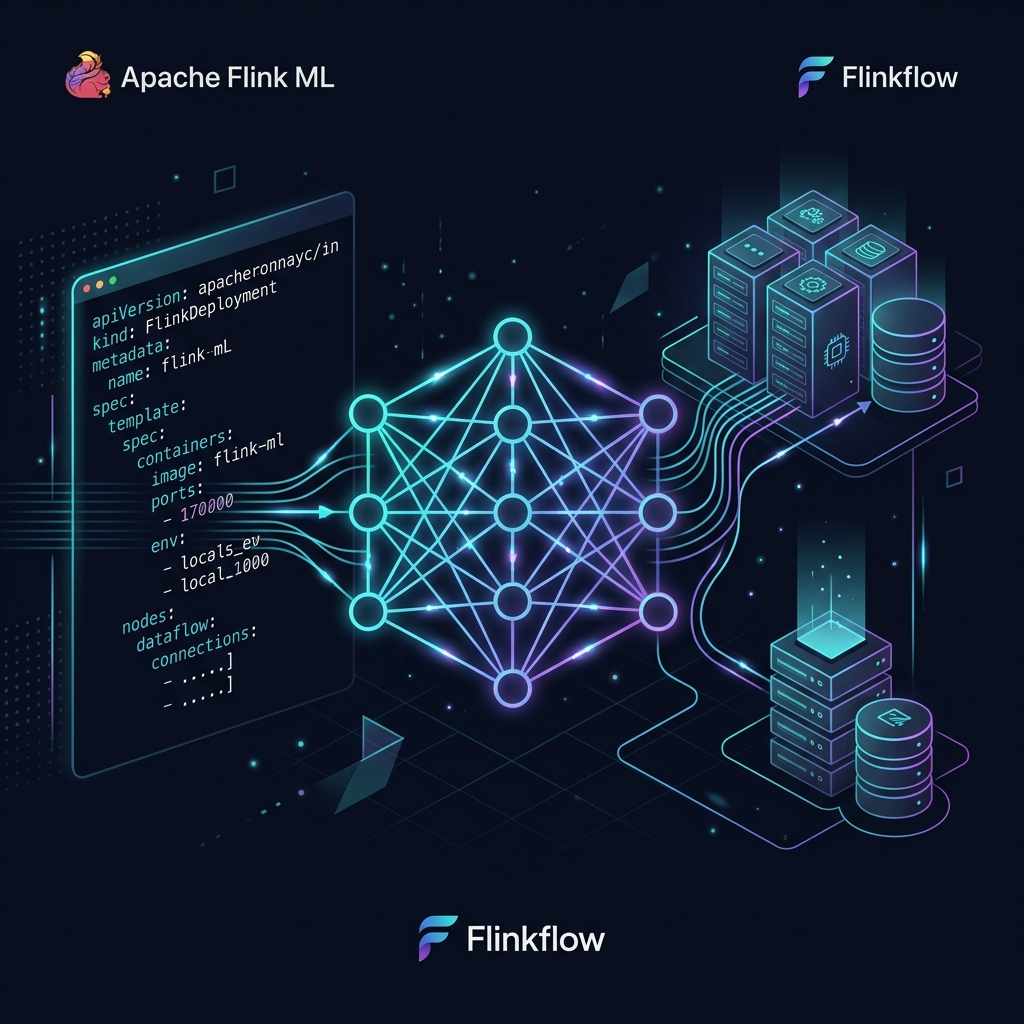
In modern data architectures, the bridge between machine learning (ML) and real-time stream processing has always been notoriously difficult to build.
Data scientists develop powerful ML models using high-level abstractions, but operationalizing them inside stateful streaming applications historically required translating those designs into complex JVM code. Even when using Apache Flink ML—Flink’s native library for machine learning algorithms and pipelines—developers still had to write significant Java or Scala boilerplate to wire Estimators and Transformers into their streaming jobs.
Today, we are thrilled to announce a game-changing feature for Flinkflow: Native Apache Flink ML integration.
Now, you can embed native Flink ML stages directly inside your declarative Flinkflow pipeline YAML. No Java compilation, no Maven dependency hell—just clean, GitOps-ready configuration.
⚡ The Old Way vs. The Flinkflow Way
To understand the leap forward, let’s look at how you would traditionally configure a simple Flink ML stage (like a MinMaxScaler) in Java:
// Traditional Java Boilerplate
StreamTableEnvironment tEnv = StreamTableEnvironment.create(env);
Table inputTable = tEnv.fromDataStream(inputStream);

MinMaxScaler minMaxScaler = new MinMaxScaler()
    .setInputCol("features")
    .setOutputCol("scaledFeatures")
    .setMin(0.0)
    .setMax(1.0);

MinMaxScalerModel model = minMaxScaler.fit(inputTable);
Table outputTable = model.transform(inputTable);
With Flinkflow, this entire sequence is declared directly in your pipeline YAML:
  - type: ml
    name: scaler
    class: org.apache.flink.ml.feature.minmaxscaler.MinMaxScaler
    properties:
      inputCol: "features"
      outputCol: "scaledFeatures"
      min: 0.0
      max: 1.0
🛠️ How It Works Under the Hood
Flinkflow makes this seamless integration possible through two key architectural components:
1. Dynamic Property Mapping via Reflection
Rather than hardcoding integrations for each of Flink ML’s dozens of Estimators and Transformers, Flinkflow leverages Java reflection.
When the pipeline starts, Flinkflow:
- Instantiates the specified Flink ML class dynamically.
- Inspects its setters and configurations.
- Automatically maps the YAML
propertieskeys to the corresponding Java setters (converting types such as lists, numbers, and strings on the fly).
This means that any current or future Flink ML stage—whether it’s a pre-built feature extractor like OneHotEncoder or a complex estimator like KMeans or LogisticRegression—is supported out of the box with zero code changes.
2. The StreamTableEnvironment Bridge
Flink ML algorithms operate natively on Flink’s Table API. However, Flinkflow pipelines are designed to handle flexible stream processing.
To bridge this gap, Flinkflow implements a dynamic translation layer:
- The streaming data is converted into a temporary table using Flink’s
StreamTableEnvironment. - The Flink ML stages (Estimators are fitted, and Transformers are executed) are run against this table.
- The resulting transformed Table is seamlessly bridged back into Flink’s DataStream API for downstream processing.
🏗️ A Complete Example: Real-time Clustering Pipeline
Here is a complete, deployable pipeline demonstrating how to chain feature engineering and an ML algorithm (KMeans clustering) directly inside a single YAML file:
name: "Real-time Customer Segmentation Pipeline"
parallelism: 1

steps:
  - type: source
    name: web-traffic-source
    properties:
      content: |
        {"pages_visited": 2.0, "time_spent_mins": 5.0}
        | {"pages_visited": 12.0, "time_spent_mins": 45.0}
        | {"pages_visited": 1.0, "time_spent_mins": 2.0}
        | {"pages_visited": 15.0, "time_spent_mins": 55.0}

  # Step 1: Parse string JSON into separate fields
  - type: process
    name: json-parser
    language: python
    code: |
      import json
      obj = json.loads(input)
      return obj

  # Step 2: Combine fields into a single Feature Vector
  - type: ml
    name: vector-assembler
    class: org.apache.flink.ml.feature.vectorassembler.VectorAssembler
    properties:
      inputCols: ["pages_visited", "time_spent_mins"]
      outputCol: "features"

  # Step 3: Run the KMeans Estimator to predict customer segment clusters
  - type: ml
    name: kmeans-clusterer
    class: org.apache.flink.ml.clustering.kmeans.KMeans
    properties:
      k: 2
      featuresCol: "features"
      predictionCol: "segment_id"

  # Step 4: Output the results to the console
  - type: sink
    name: console-sink
    properties:
      type: console
🚀 Key Advantages
- No Java Required: Data scientists can configure, tune, and test Flink ML pipelines using a language-agnostic YAML interface.
- Dynamic Adaptability: Property mapping happens at runtime. If Flink ML releases a new stage or updates properties, your pipelines can adopt them immediately by updating the YAML.
- GitOps for Machine Learning: Version control your ML stages and configurations directly in Git. Promoting a pipeline from staging to production is as simple as running a
kubectl applyor approving a PR. - Perfect for Hybrid Pipelines: Easily mix Apache Camel integration sources, Python processors, and native Flink ML stages within a single unified topology.
🏁 Get Started Today
Want to start running machine learning directly on your real-time streams?
- Check out the codebase: Review the latest release details in the Flinkflow Repository.
- Review ML Examples: Visit our
examples/directory to see templates for classification, regression, and feature engineering. - Read the Docs: Find full configuration guides for Flink ML stages on talweg.ai.
Happy stream training! 🌊🤖